
Generic Agent in OTOBO
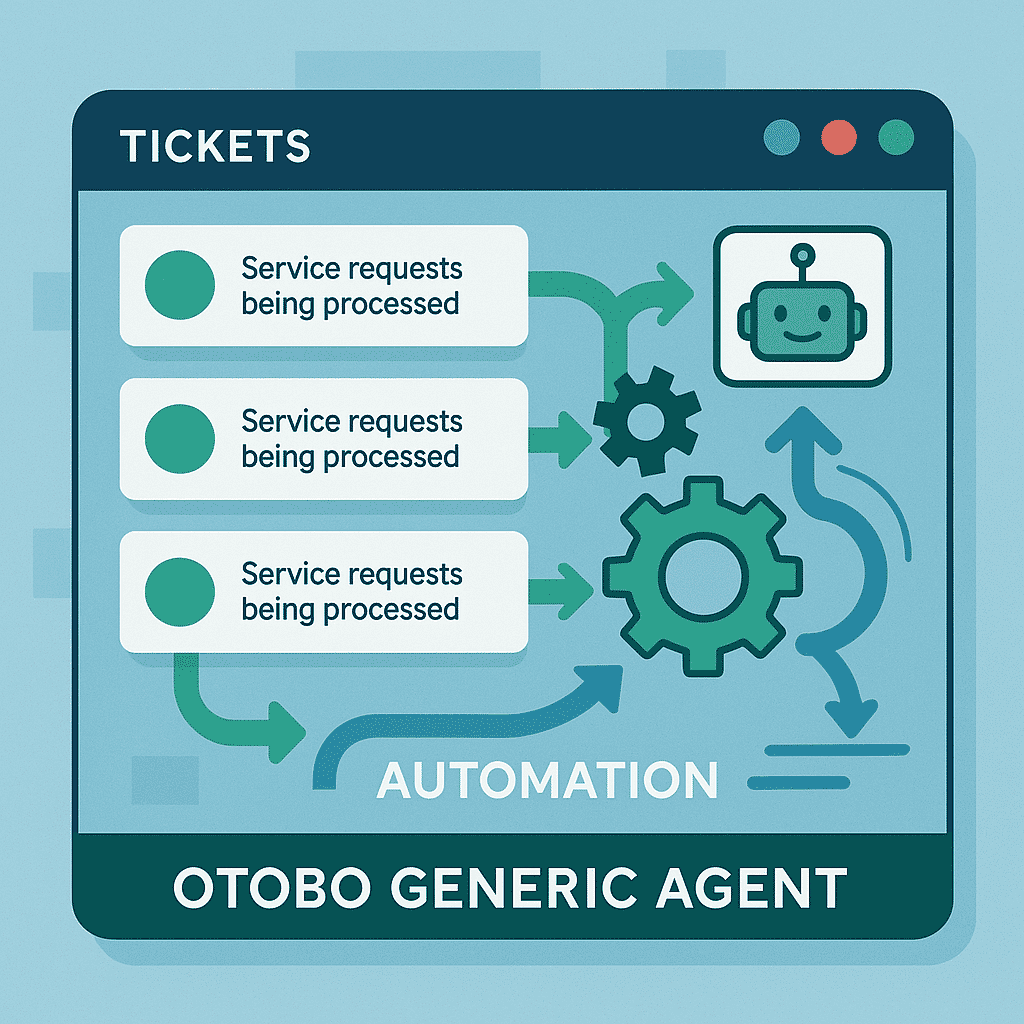
The Generic Agent allows you to automatically process tickets based on search criteria, time, or event conditions – without needing your own scripts. This enables you to standardize and accelerate recurring process steps and increase the quality of your support.
Table of Contents
Section titled “Table of Contents”- Highlights & Use Cases
- Quick Start: Workflow Setup
- Configuring Jobs
- Commands & Modules
- Tips & Best Practices
Highlights & Use Cases
Section titled “Highlights & Use Cases”-
Automatic Assignment
Assign tickets directly to the responsible team based on sender, subject, or keywords. -
Priority Adjustment
Change priority, status, or service assignment as soon as a ticket meets specific criteria. -
Spam Management
Clear spam queues automatically at freely definable intervals. -
Notifications
Inform agents or customers via email about automated actions.
Quick Start: Workflow Setup
Section titled “Quick Start: Workflow Setup”-
Create a new job
Click on Add Job in the agent interface. -
Define search criteria
- Filter → Field, Operator, Value
- Time/Event → e.g., “Created before 30 days” or “On ticket update”
-
Set actions
- Change ticket attributes (Priority, Queue, Service, Status…)
- Add notes
- Execute ticket commands or custom modules
-
Save & activate
Your job will now run automatically in the background.
Note:
By default, the Generic Agent checks every 5 minutes whether new tickets meet the rules.
Adjustment via System > Daemon > GenericAgent.Interval.
Configuring Jobs
Section titled “Configuring Jobs”1. Criteria (When)
Section titled “1. Criteria (When)”Determines which tickets are processed:
| Type | Example |
|---|---|
| Full-text search | Subject LIKE “%Invoice%“ |
| Customer | CustomerID = 42 |
| Dynamic Field | DynamicField_OrderStatus = “open” |
| Time-based | Created < “NOW - 7 days” |
2. Actions (Then)
Section titled “2. Actions (Then)”Possibilities of the “Then” block:
- Update ticket
Queue = "Finance"Priority = "High"Service = "Billing"
-
Add note
“Ticket automatically prioritized due to delay >7 days.”
-
Custom Module Selection from installed extensions.
-
Email to Agent/Customer Template-based.
3. Execution Mode
Section titled “3. Execution Mode”- Periodic (Default) Interval via system configuration.
- Event-based Directly upon ticket create/update.
Commands & Modules
Section titled “Commands & Modules”| Function | Module Name |
|---|---|
| Create / edit job | AgentGenericInterfaceJob |
| Backend handler | Kernel::GenericInterface::Handler::Ticket::Generic |
| Ticket commands | e.g., AgentTicketPriority, AgentTicketPrint |
| Custom module example | Kernel::GenericInterface::Executor::MyCustomModule |
Screenshots:


Tips & Best Practices
Section titled “Tips & Best Practices”-
Rule test run First, activate the Test Mode in the job form to see results “for checking only.”
-
Performance Avoid too many complex rules with OR links; split them into multiple jobs.
-
Documentation Always describe the purpose and intent of the automation in the job comments.
-
Security Be careful with actions like “Delete Ticket” and ensure thorough condition checks.
By using the Generic Agent, you sustainably increase the efficiency and consistency of your service processes and create space for value-adding tasks. Good luck with your automation!
Frequently asked questions
What does the Generic Agent do in OTOBO?
It automatically processes tickets based on search criteria, schedules, or event conditions without requiring custom scripts.
Where do you configure Generic Agent jobs?
In the Admin interface under Processes & Automation → Generic Agent, where you define filters, schedules, and ticket actions.
Can the Generic Agent run on a schedule?
Yes. Jobs can run at fixed intervals or be triggered by ticket events, depending on how you configure them.
What should I know about Highlights & Use Cases?
Automatic Assignment Assign tickets directly to the responsible team based on sender, subject, or keywords. Priority Adjustment Change priority, status, or service assignment as soon as a ticket meets specific criteria. Spam Management Clear spam queues automatically at freely definable intervals…
What should I know about Quick Start: Workflow Setup?
1. Create a new job Click on Add Job in the agent interface. 2. Define search criteria - Filter → Field, Operator, Value - Time/Event → e.g., "Created before 30 days" or "On ticket update" 3. Set actions - Change ticket attributes (Priority, Queue, Service, Status…) - Add notes - Execute ticket…