
Operate OTOBO reliably
Get help with updates, staging, maintenance, backup strategy, and secure documented operations.
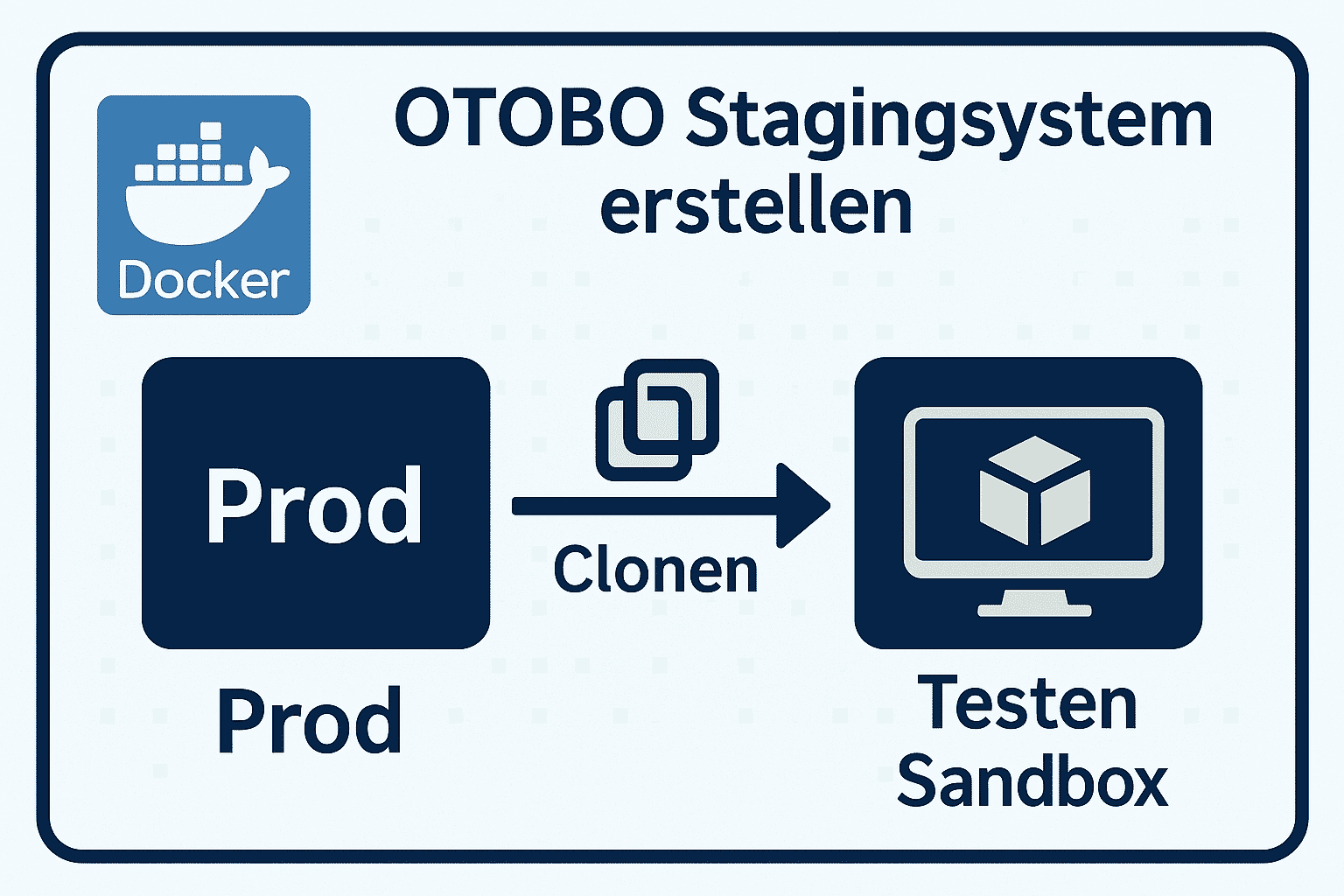 Set up an OTOBO staging system as a safe production copy: migrate the database and files, turn off real outbound mail, anonymize customer data, then validate packages and config before anything reaches live.
flowchart TD
    A[Feature ready for test] --> B[Clean up dev system, delete tickets]
    B --> C[Copy dev -> staging]
    C --> D[Wait for maintenance window]
    D --> E[Back up production data DB & files]
    E --> F[Transfer production data to staging]
    F --> G[Adjust configuration in staging]
    G --> H[Disable email sending]
    H --> I[Perform test run]

    I -->|Tests successful| J[Optional: Copy staging -> production]
    I -->|Tests failed| K[Fix errors and re-test]

    J --> L[Activate production]
    L --> M[Done, deployment complete]

    style D fill:#a9a,stroke:#333,stroke-width:1px
    style I fill:#aae,stroke:#333,stroke-width:1px
    style J fill:#9a9,stroke:#333,stroke-width:1px
    style K fill:#a99,stroke:#333,stroke-width:1px
A Docker installation is recommended:
sudo apt install docker.io docker-composecd /optgit clone https://github.com/RotherOSS/otobo-docker.git --branch rel-11_0cd otobo-dockercp .docker_compose_env_https .envnano .env # Set OTOBO_DB_ROOT_PASSWORDIf you are using a dev system as a base:
bin/otobo.Console.pl Admin::Delete::Tickets --older 1d --state closed --reallyrm -rf /opt/otobo/var/article/*# Back up database (production system)mysqldump -u root -p otobo > /tmp/otobo_prod.sql
# Back up articles & Kernelrsync -avz /opt/otobo/Kernel /tmp/Kernelrsync -avz /opt/otobo/var/article /tmp/articleImport into staging:
# Import DBmysql -u root -p otobo_staging < /tmp/otobo_prod.sql
# Copy file systemrsync -avz /tmp/Kernel /opt/otobo/Kernelrsync -avz /tmp/article /opt/otobo/var/article
🔐 Data Privacy: Anonymize all production customer data, e.g., in the
customer_usertable, or remove email addresses using an SQL script.
$Self->{'Database'}{'Name'} = 'otobo_staging';$Self->{'Database'}{'User'} = 'otobo';$Self->{'Database'}{'Password'} = 'STAGING_PASSWORD';In SysConfig:
SendmailModule to Kernel::System::Email::DoNotSendEmail127.0.0.1 and port to 1bin/otobo.Console.pl Maint::Test::Systemrobots.txt to prevent indexing*.staging.example.com)Once testing is complete in staging:
Config.pmPlaywright (for E2E tests)rsync for fast data transferdocker-compose for orchestrated environmentcron or systemd for regular backupsAn OTOBO staging system lets you test upgrades, packages, and SysConfig changes on real-shaped data without risking production downtime or accidental customer emails.
🔁 Tip: Integrate staging processes into your CI/CD pipeline for automated quality assurance with every change.
Operate OTOBO reliably
Get help with updates, staging, maintenance, backup strategy, and secure documented operations.
A near-copy of production used to safely test features, configurations, and migrations without affecting the live system.
Often yes for realistic tests, but anonymize or restrict sensitive data and never point staging mail at real customers.
Back up the production database and relevant file data (articles and Kernel) before copying them into staging.
Ubuntu 20.04+ or Debian 10+ Docker (recommended) or manual Linux installation Sufficient system resources (8 GB RAM, 4 CPUs) Access to current production data (DB & file system) Ability to disable email sending (e.g., via dummy SMTP) ---
`Playwright` (for E2E tests) `rsync` for fast data transfer `docker-compose` for orchestrated environment `cron` or `systemd` for regular backups Python scripts for anonymization or structural migration ---