
OTOBO – Groups, Roles & Agents
OTOBO is a flexible and scalable ticket system characterized by fine-grained rights management. Through the targeted use of groups, roles, and agents, you can streamline processes, clearly define responsibilities, and increase system security within your company.
Overview of Relationships
Section titled “Overview of Relationships”Below is a schematic diagram illustrating the fundamental relationships between agents, groups, roles, queues, customers, and customer users in OTOBO.
flowchart LR
  Agent[Agent] -->|Member of| Gruppe[Group]
  Gruppe -->|Assigned roles| Rolle[Role]
  Rolle -->|Authorized access to| Queue[Queue]
  Kunde[Customer] -->|Contains| Kundenbenutzer[Customer User]
  Kundenbenutzer -->|Member of| Gruppe
OTOBO Groups
Section titled “OTOBO Groups”Groups are the heart of access control. They bundle users together and determine which functions and queues they have access to by default.
Standard Groups & Default Assignments
Section titled “Standard Groups & Default Assignments”In its delivery state, OTOBO includes several predefined groups. You can use these directly or customize them as templates for your own groups.
Default Customer-User Groups
Section titled “Default Customer-User Groups”These groups control which customer users have access rights to customer portals and data.
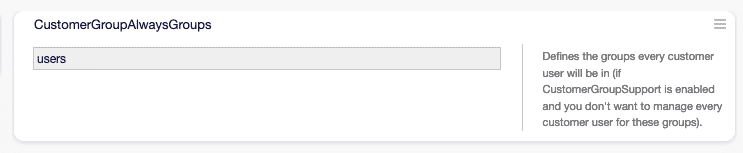
Predefined customer user groups in OTOBO
Dynamic Field Preferences Groups
Section titled “Dynamic Field Preferences Groups”These groups allow for dynamic field preferences to be implemented per user group.
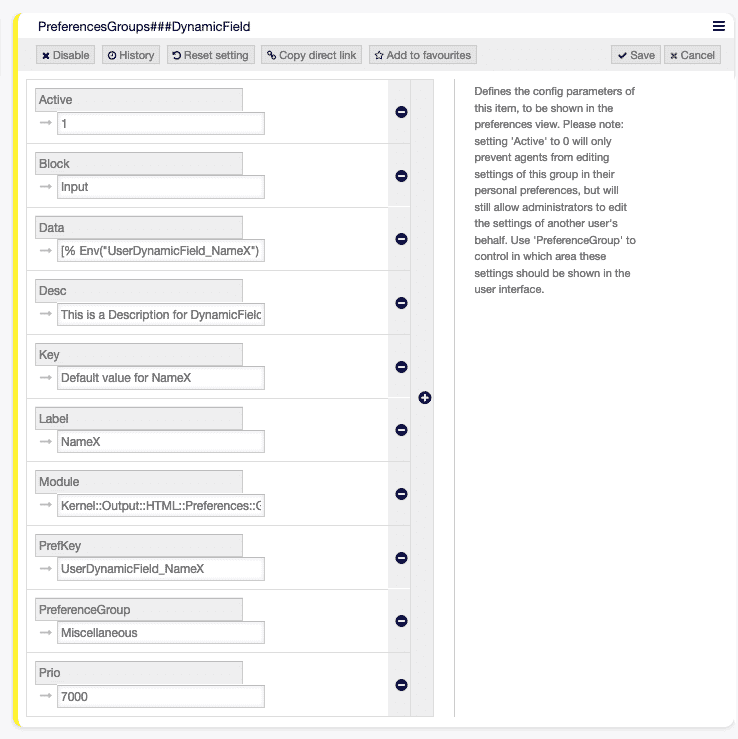
Example of dynamic field preferences
Default Customer Groups
Section titled “Default Customer Groups”Standard groups used on the customer side to structure tickets and requests.
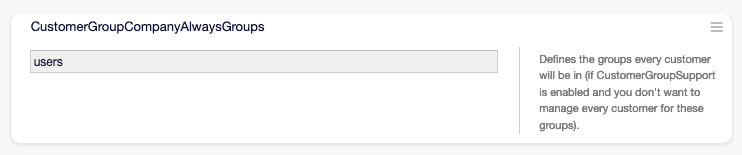
Predefined customer groups after installation
Overall Overview: Groups, Roles & Agents
Section titled “Overall Overview: Groups, Roles & Agents”Overview of the interaction of all three components in the system context.
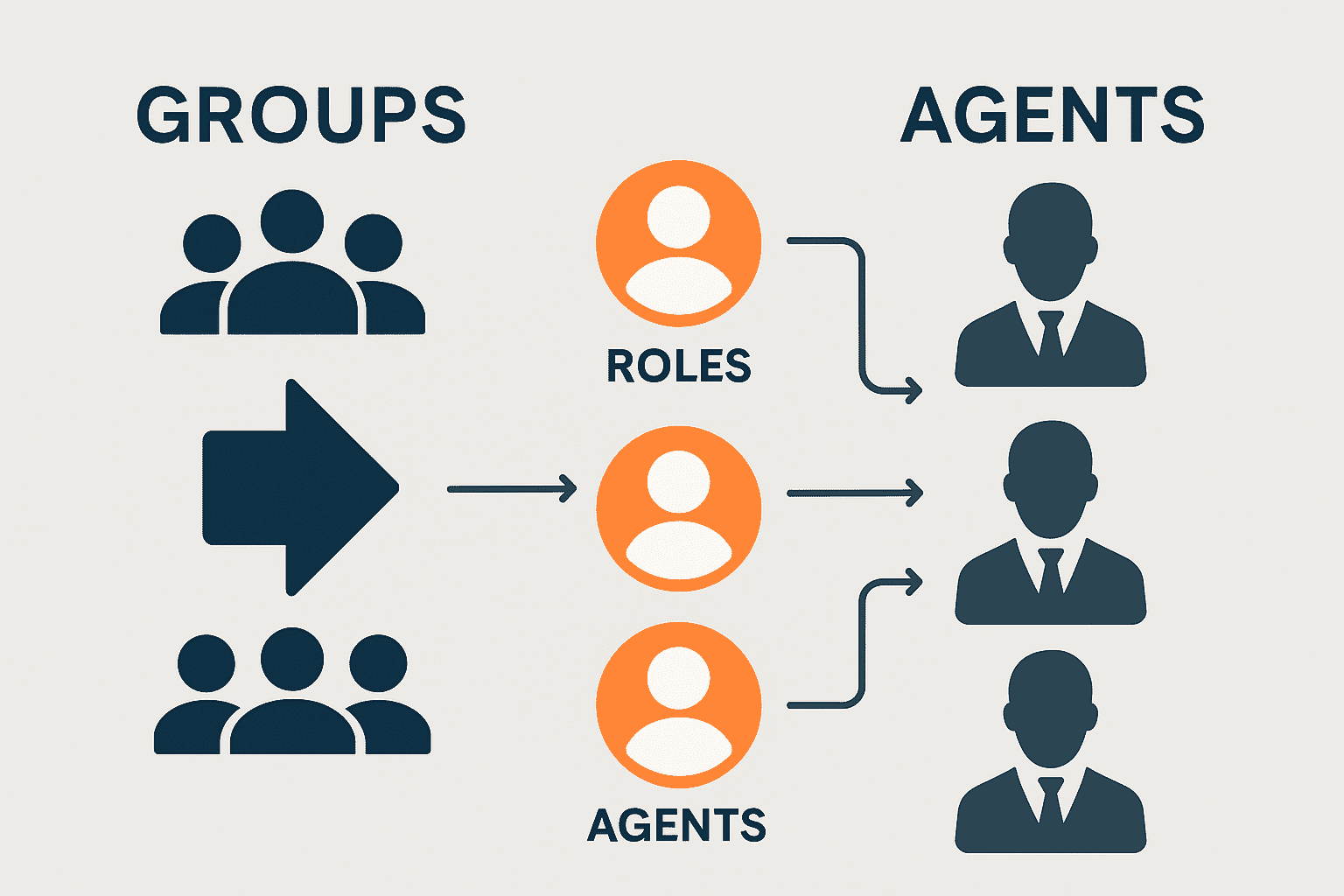
Diagram: Interaction of groups, roles, and agents
Adding & Managing Groups
Section titled “Adding & Managing Groups”Groups are created and maintained via the Users, Groups and Roles → Groups module.
| Action | Description |
|---|---|
| Add group | Open the link in the left sidebar, enter mandatory fields, click Save. |
| Edit group | Select group, change data, click Save or Save and finish. |
| Deactivate group | Set Validity to invalid or invalid-temporarily. |
| Search | Use the filter field for group names. |
Important Settings for Groups
Section titled “Important Settings for Groups”| Field | Meaning |
|---|---|
| Name | Unique designation, visible in overviews and dropdowns. |
| Validity | Only valid groups are actively usable. |
| Comment | Short description or notes regarding the group. |
OTOBO Roles
Section titled “OTOBO Roles”Roles bundle individual permissions into profiles that you assign to users or groups. This increases clarity and reduces the effort required for rights changes.
Role Assignments & Management
Section titled “Role Assignments & Management”In the Users, Groups and Roles → Roles module, you manage the creation, editing, and deactivation of roles.
Role ↔ Group
Section titled “Role ↔ Group”Connects a role with one or more groups to delegate rights.
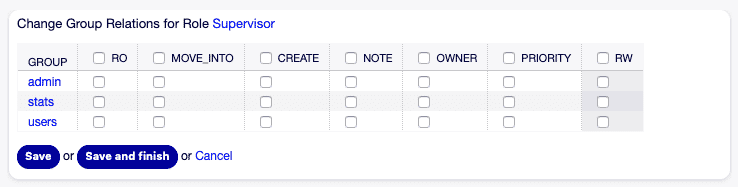
Interface: Role assignment to groups
Role ↔ Role (Inheritance)
Section titled “Role ↔ Role (Inheritance)”Roles can inherit from each other to modularize permission profiles.

Representation of the role hierarchy
Agent ↔ Role
Section titled “Agent ↔ Role”Agents receive their individual permissions through this assignment.
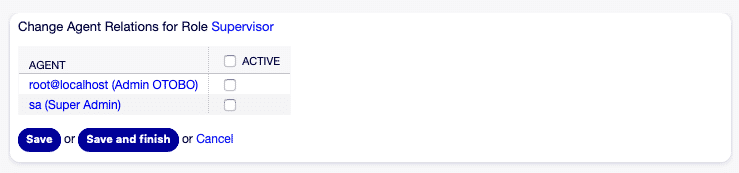
Assignment of roles directly to agents
Agent ↔ Agent (Special Cases)
Section titled “Agent ↔ Agent (Special Cases)”In special cases, agents can obtain specific rights from each other.
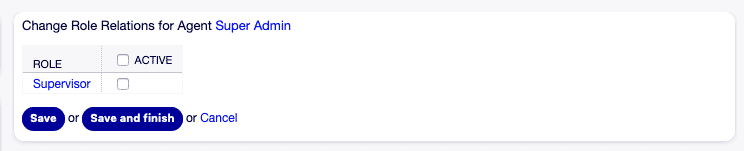
Example: Agent-to-agent permissions
Agent-Role Management
Section titled “Agent-Role Management”Overview page for the central management of all agent and role assignments.
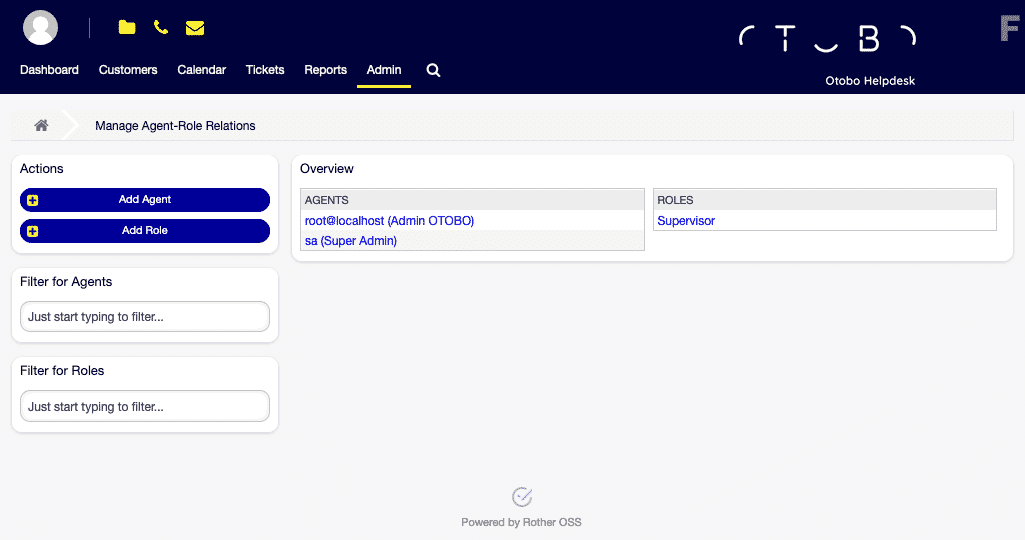
Central dashboard of agent rights
Add Role
Section titled “Add Role”Creating new roles with predefined permission sets.
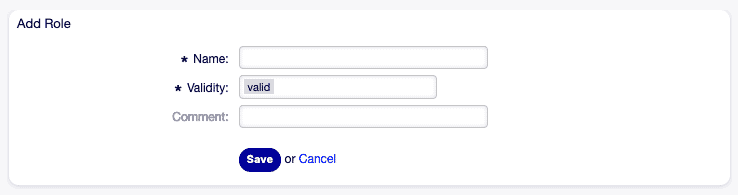
Step: Create new role
Edit Role
Section titled “Edit Role”Adjustment of existing roles, e.g., to add new permissions.
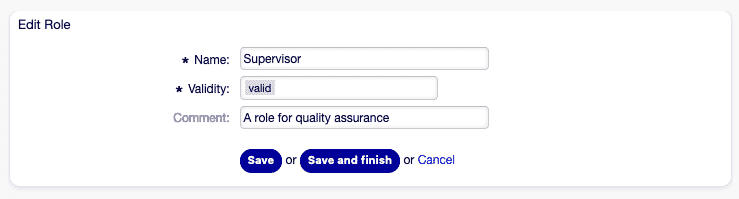
Step: Edit role
Role ↔ Group Management
Section titled “Role ↔ Group Management”Detail view to control which groups receive which roles.
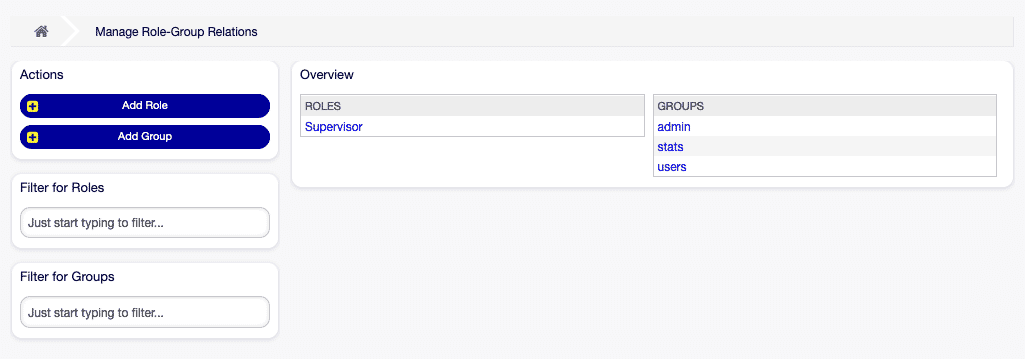
Area: Fine-grained assignment of groups to roles
Role Overview
Section titled “Role Overview”Complete list of all defined roles, including filter and search functions.
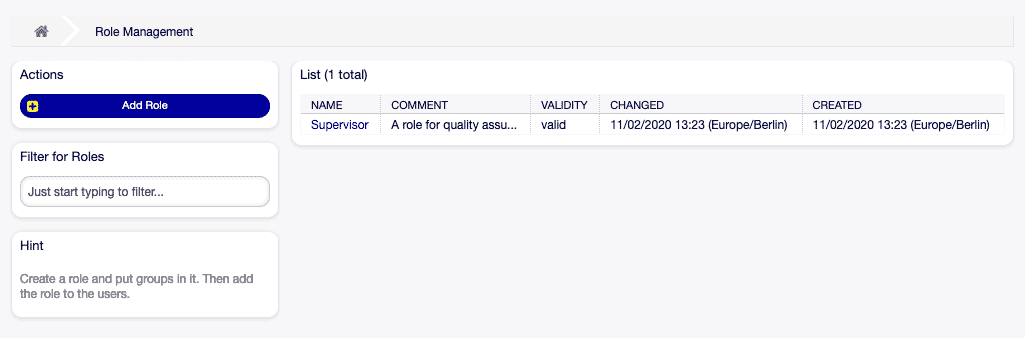
Management page of all roles in the system
Adding Roles
Section titled “Adding Roles”- Add role in the left sidebar.
- Fill in role name, validity, and required fields.
- Click Save.
Editing Roles
Section titled “Editing Roles”| Step | Action |
|---|---|
| Selection | Click on the role in the list. |
| Adjustment | Change fields as needed. |
| Save | Select Save or Save and finish. |
Important Settings for Roles
Section titled “Important Settings for Roles”| Field | Meaning |
|---|---|
| Name | Visible designation in overviews and dropdowns. |
| Validity | Only valid roles are actively assignable and usable. |
| Comment | Optional note text regarding the role. |
Permissions Overview
Section titled “Permissions Overview”A complete list of standard permissions that you can use in roles and groups:
| Code | Description |
|---|---|
| ro | Read-only access to tickets. |
| move_into | Move tickets. |
| create | Create tickets. |
| note | Add notes to tickets. |
| owner | Change ticket owner. |
| priority | Adjust ticket priority. |
| rw | Full access to tickets (Read & Write). |
| chat_observer | Chat observer role. |
| chat_participant | Participation in chats (after invitation). |
| chat_owner | Full control over public chats. |
| stats | Access to statistics. |
| bounce | Bounce emails. |
| compose | Compose replies. |
| customer | Change customer information. |
| forward | Forward messages. |
| pending | Mark tickets as pending. |
| phone | Add phone calls to tickets. |
| responsible | Change responsible agent. |
Role ↔ Group Relationships
Section titled “Role ↔ Group Relationships”The following sequence diagram illustrates the assignment process:
sequenceDiagram
  Agent->>Gruppe: Membership
  Gruppe->>Rolle: Role assignment
  Rolle->>Queue: Permission for queue access
  Kunde->>Kundenbenutzer: Contains
  Kundenbenutzer->>Gruppe: (optional) Membership
With this content addition and the explanatory image captions, every image is meaningfully embedded and clearly explained. Good luck with your further documentation!
Frequently asked questions
How do groups, roles, and agents relate in OTOBO?
Agents belong to groups; roles assigned to groups grant access to queues and functions for fine-grained rights management.
What are groups used for?
Groups bundle users and define default access to functions and queues in the ticket system. Groups are the heart of access control. They bundle users together and determine which functions and queues they have access to by default.
Does OTOBO ship with default groups?
Yes. A standard install includes predefined groups that you can use directly or adapt as templates. Groups are the heart of access control. They bundle users together and determine which functions and queues they have access to by default.
What should I know about Overview of Relationships?
Below is a schematic diagram illustrating the fundamental relationships between agents, groups, roles, queues, customers, and customer users in OTOBO. ---