
Operate OTOBO reliably
Get help with updates, staging, maintenance, backup strategy, and secure documented operations.
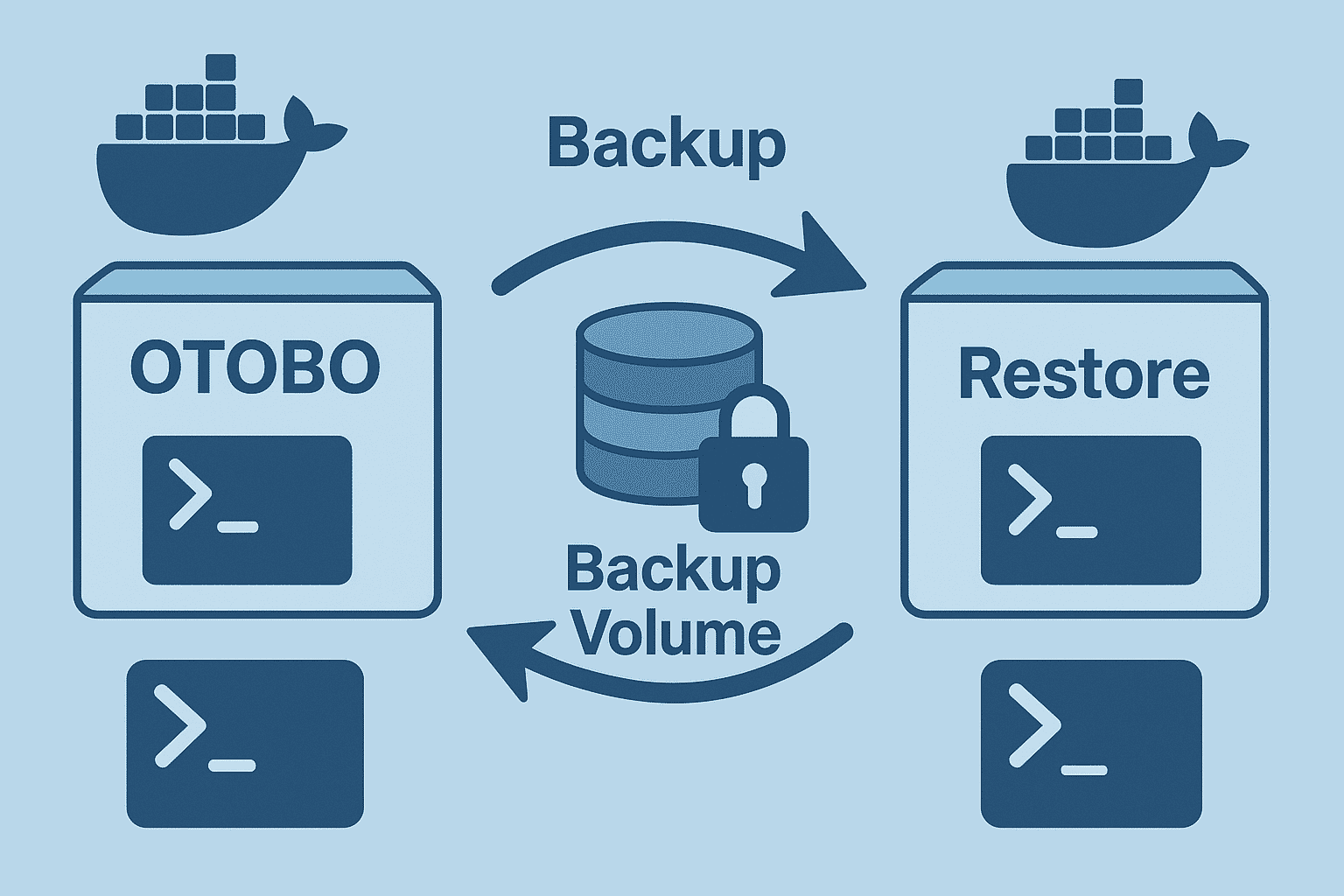
In this guide: Protect your OTOBO data with proven backup and restore strategies.
Related: Staging system · Hosting · Performance · Get support
In this guide, we take a deep dive into backup strategies for OTOBO and examine:
mysqldumpbackup.pl and restore.plmysqldumpAdvantage: Fast, platform-independent, contains almost all tickets, users, and settings.
mysqldump \ --host=${DB_HOST} \ --user=${DB_USER} \ --password=${DB_PASS} \ --column-statistics=0 \ --single-transaction \ --databases otobo \ > /backup/otobo_db_$(date +'%Y%m%d_%H%M').sql--single-transaction: Minimizes table locks, OTOBO remains available.0 * * * * /usr/local/bin/otobo_db_backup.sh
otobo_db_backup.shcreates a dump and deletes files older than 3 days.
otobo_db_backup.sh#!/bin/bashBACKUP_DIR="/backup/db"mkdir -p "$BACKUP_DIR"DATE=$(date +'%Y%m%d_%H%M')FILE="$BACKUP_DIR/otobo_db_${DATE}.sql.gz"
echo "Creating DB dump to $FILE"mysqldump --host=localhost --user=otobo \ --password=SecretPass --column-statistics=0 \ --single-transaction otobo | gzip > "$FILE"find "$BACKUP_DIR" -type f -name '*.sql.gz' -mtime +3 -deleteAll persistently stored files (attachments, configuration, logs) are located in Docker volumes.
#!/bin/bashdate=DATE=$(date +'%d%m%Y_%H%M%S')# Shut down container for a consistent file systemdocker compose -f /opt/otobo-docker/compose.yml down
tar -czf "/tmp/docker_volumes_$DATE.tar.gz" /var/lib/docker/volumes
docker compose -f /opt/otobo-docker/compose.yml up -d --build#!/bin/bash# Usage: restore_volumes.sh backup_file.tar.gztar -xzf "$1" -C /# Remove old volumesdocker compose -f /opt/otobo-docker/compose.yml downrm -rf /var/lib/docker/volumes# Restore and restarttar -xzf "$1" -C /docker compose -f /opt/otobo-docker/compose.yml up -dbackup.pl & restore.plOTOBO provides its own CLI scripts in the container:
# Show help/opt/otobo/scripts/backup.pl -h| Option | Default | Description |
|---|---|---|
-d, --backup-dir | required | Target directory for backups |
-c, --compress | gzip | Compression method (gzip | bzip2) |
-r, --remove-old-backups DAYS | none | Deletes older backups (in days) |
-t, --backup-type | fullbackup | fullbackup (everything) | nofullbackup | dbonly |
fullbackup: Database + home directory (without cache).
dbonly: Database only.
docker run --rm \ --volume otobo_opt_otobo:/opt/otobo \ --volume otobo_backup:/otobo_backup \ rotheross/otobo:latest-10_0 scripts/backup.pl \ --backup-dir /otobo_backup --compress gzip --remove-old-backups 7docker run --rm \ --volume otobo_opt_otobo:/opt/otobo \ --volume otobo_backup:/otobo_backup \ rotheross/otobo:latest-10_0 scripts/restore.pl \ --backup-dir /otobo_backup/20231015_123045 --backup-dir /opt/otobo#!/bin/bashCOMPOSE_FILE="/opt/otobo-docker/compose.yml"# Start backupdocker compose -f "$COMPOSE_FILE" run --rm backupif [ $? -ne 0 ]; then echo "Backup failed" >&2 exit 1fiecho "Backup completed successfully"0 */6 * * * /usr/local/bin/volume_backup.sh#!/bin/bashBACKUP_DIR="/path/to/backups"echo "Removing backups older than 30 days in $BACKUP_DIR"find "$BACKUP_DIR" -mindepth 1 -mtime +30 -exec rm -rf {} \\ \;echo "Done.".tar.gz and .sql.gz via aws cli or Python script.In the area of backup & restore, OTOBO and Znuny differ in the following aspects:
Container backups
docker compose run backup), including prepared volume mounts and environment variables.OTOBO CLI scripts
backup.pl and restore.pl in the image support automatic cleanup options (--remove-old-backups), compression selection, and a single-transaction flag.--remove-old-backups or advanced DB dump options; retrofitting via customization is necessary.DB dump optimizations
--single-transaction recommended and documented to avoid locks; CLI ensures consistent usage.Volume snapshot strategy
Automation & cloud plugins
rclone or separate upload scripts.With this focus on backup-specific differences, you can make an informed decision on whether to use the pre-built OTOBO mechanisms or extend Znuny setups individually.
With these detailed scripts and strategies, your OTOBO data is securely backed up, ready for automation, and quickly restorable. Whether it’s a DB dump, Docker volumes, or standard OTOBO tools – you have all options under control.
Operate OTOBO reliably
Get help with updates, staging, maintenance, backup strategy, and secure documented operations.
At minimum the database and application file data (articles/attachments and config). Docker setups also need volume backups.
mysqldump for the database, backup.pl/restore.pl for application data, plus volume archives for Docker deployments.
Yes. Schedule regular backups with cron (or your orchestrator) and verify restores periodically. All persistently stored files (attachments, configuration, logs) are located in Docker volumes.
`--single-transaction`: Minimizes table locks, OTOBO remains available. Retention: e.g., hourly, last 72 dumps (3 days) via cron. #### Cron job (hourly, 3-day retention) `otobo_db_backup.sh` creates a dump and deletes files older than 3 days.
`fullbackup`: Database + home directory (without cache). `dbonly`: Database only. #### Example: Full backup in the Docker container